Fast
One tap on “Expense”, the amount, done. The category is already there.
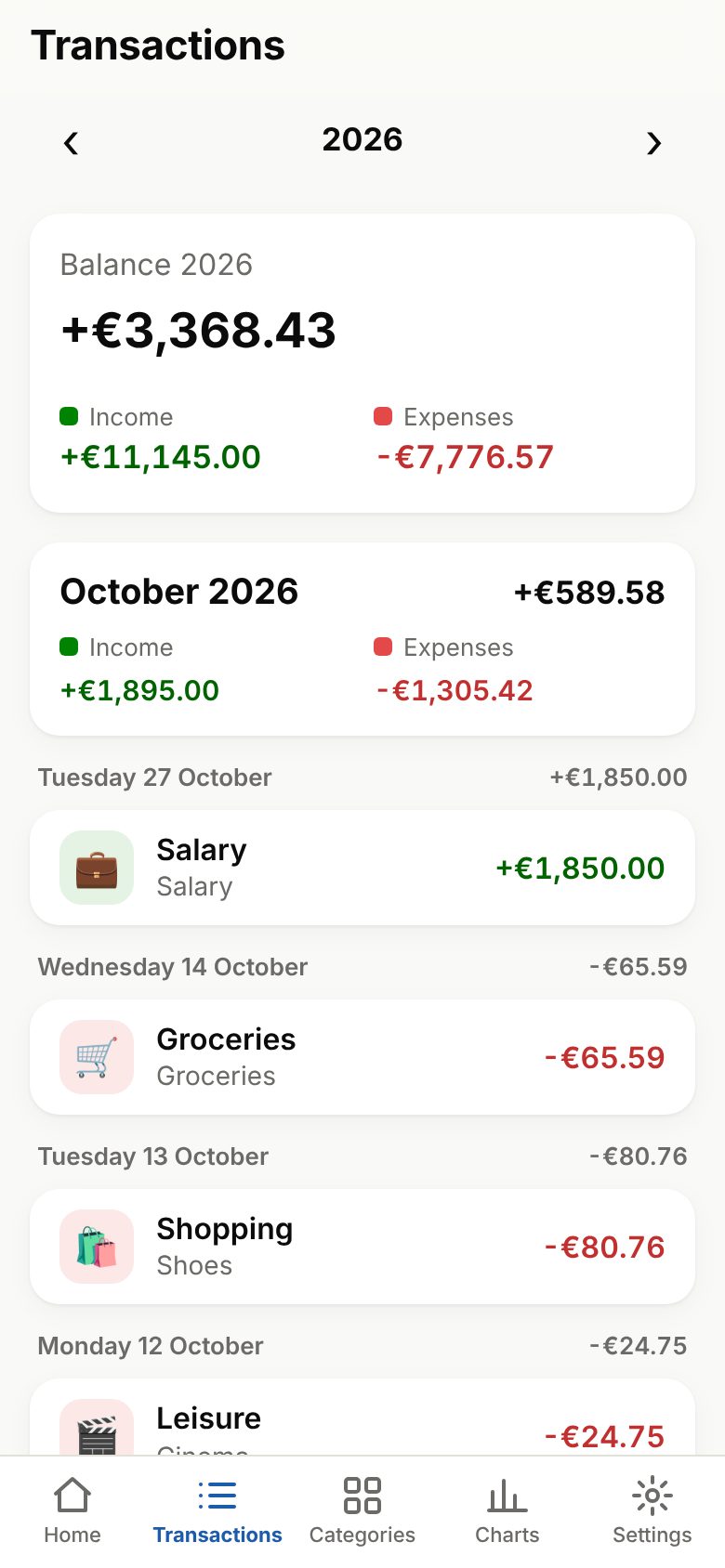
Log income and expenses in seconds, keep an eye on your budgets and see where your money goes. Your data stays on your phone.
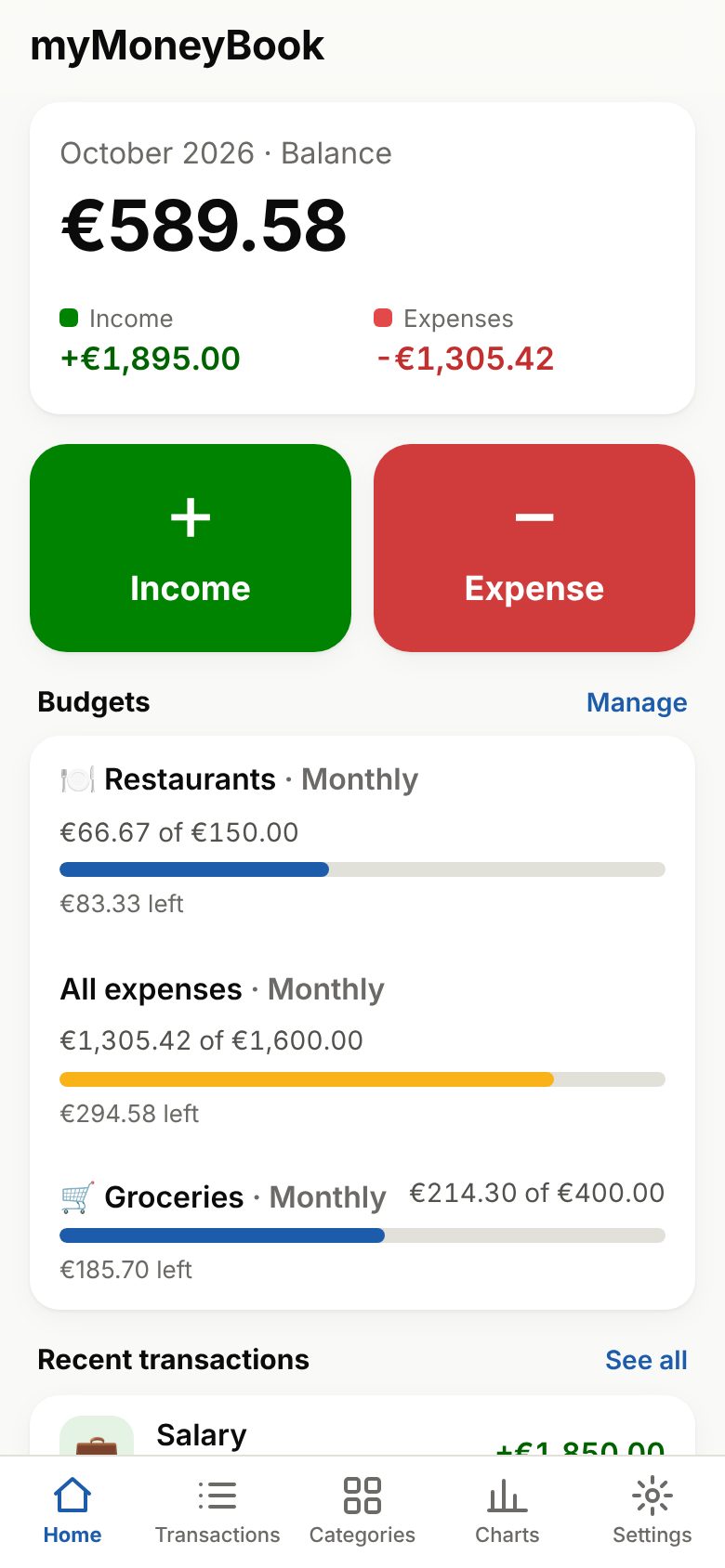
One tap on “Expense”, the amount, done. The category is already there.
Set a monthly, quarterly or yearly limit and see right away how much is left.
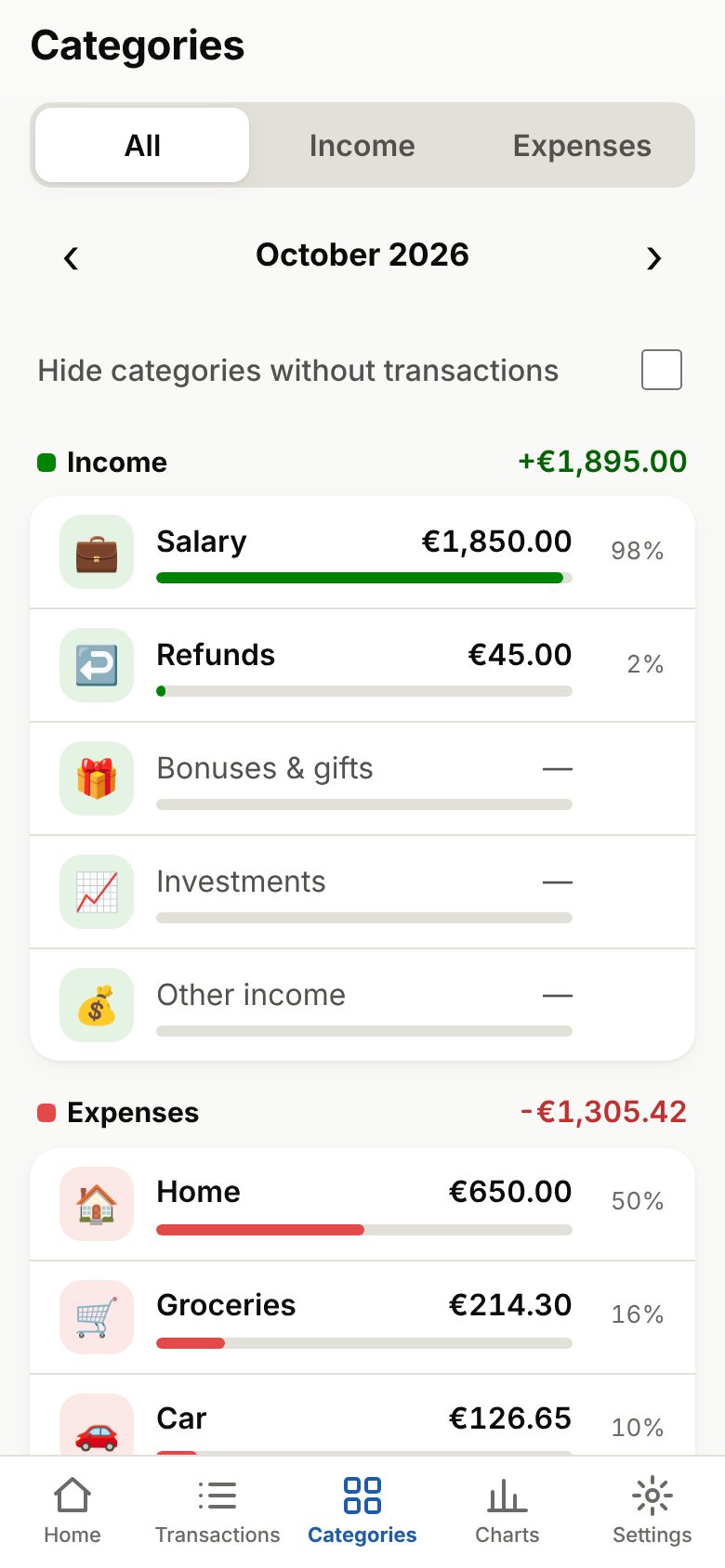
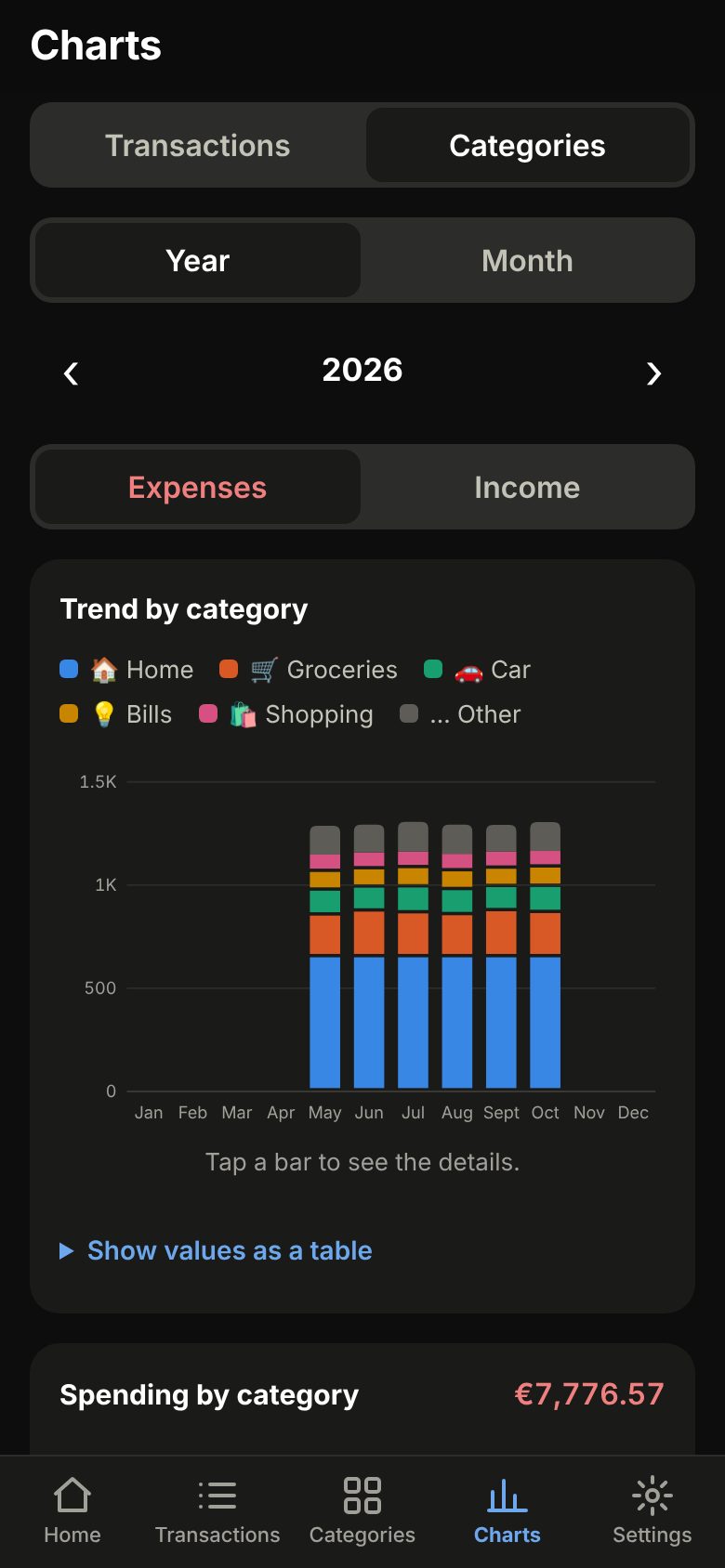
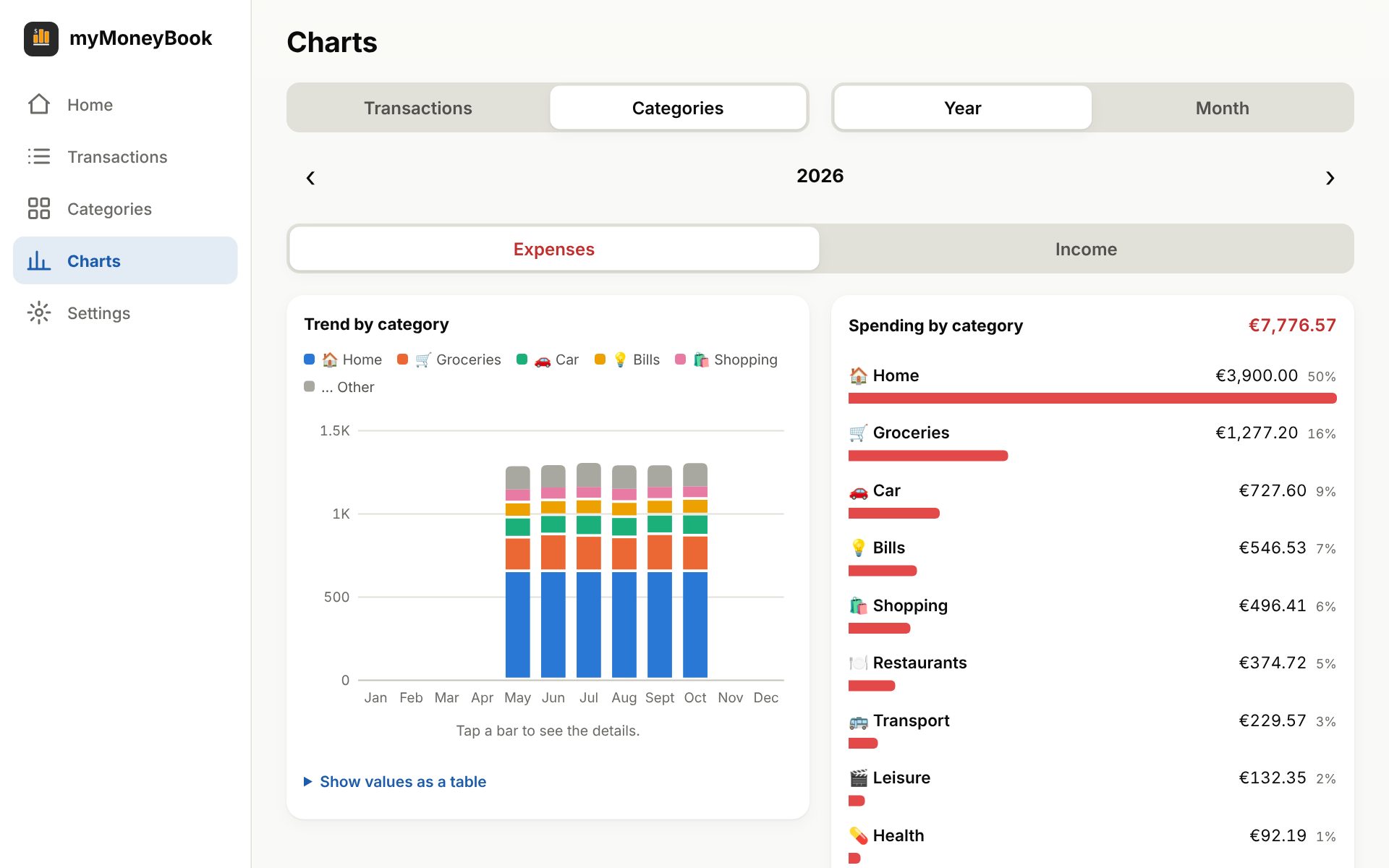
Income and expenses month by month and, by category, where your money really goes.
Rent, salary, subscriptions: enter them once and they add themselves.
Your data stays on your device. No account required, no ads.
Cloud backup and sync across devices with Pro. Works offline too.
| Feature | Free | Pro |
|---|---|---|
| Expenses | Unlimited | Unlimited |
| Income | 1 per month | Unlimited |
| Recurring transactions | 1 | Unlimited |
| Custom categories | 3 | Unlimited |
| Budgets | 1 | Unlimited |
| Transaction charts | ✓ | ✓ |
| Category charts | — | ✓ |
| File backup | ✓ | ✓ |
| Cloud backup | — | ✓ automatic too |
| Sync across devices | — | ✓ |
| Light and dark theme, 5 languages | ✓ | ✓ |
€2.99/month
Cancel anytime.
€29.99/year
About €2.50 a month.
€59.99once
Pay once. After the launch offer it will cost €79.99.
The Pro plan is coming soon. If you stop being Pro you lose nothing: your data stays.
On your device. It is sent online only if you turn on cloud backup, and each backup is visible to your account alone.
No. An account is only needed for cloud backup and sync across devices.
Yes. Once opened, the app works offline too.
Yes, with Pro: sync keeps your data the same on every device you sign in on.
Export a backup file (free) and import it on the new phone, or use cloud backup.
The app speaks English, Italian, Spanish, French and German, and lets you choose your currency.